10:40 pm · Closing1/6
The drawer is Rp47,000 short.
The cashier says, “Maybe I gave the wrong change.” You nod. You are too tired to dig deeper. Tomorrow, the day after, next week, the same thing happens.
Takar records every gram of ingredient that leaves your kitchen, automatically from every item sold. Then it shows you, in rupiah, exactly where your business is leaking money.
Questions? Ask us on WhatsApp
Tip: open Takar on a laptop or tablet to see the cashier, reports, and stock comfortably on one screen. It works on a phone too.
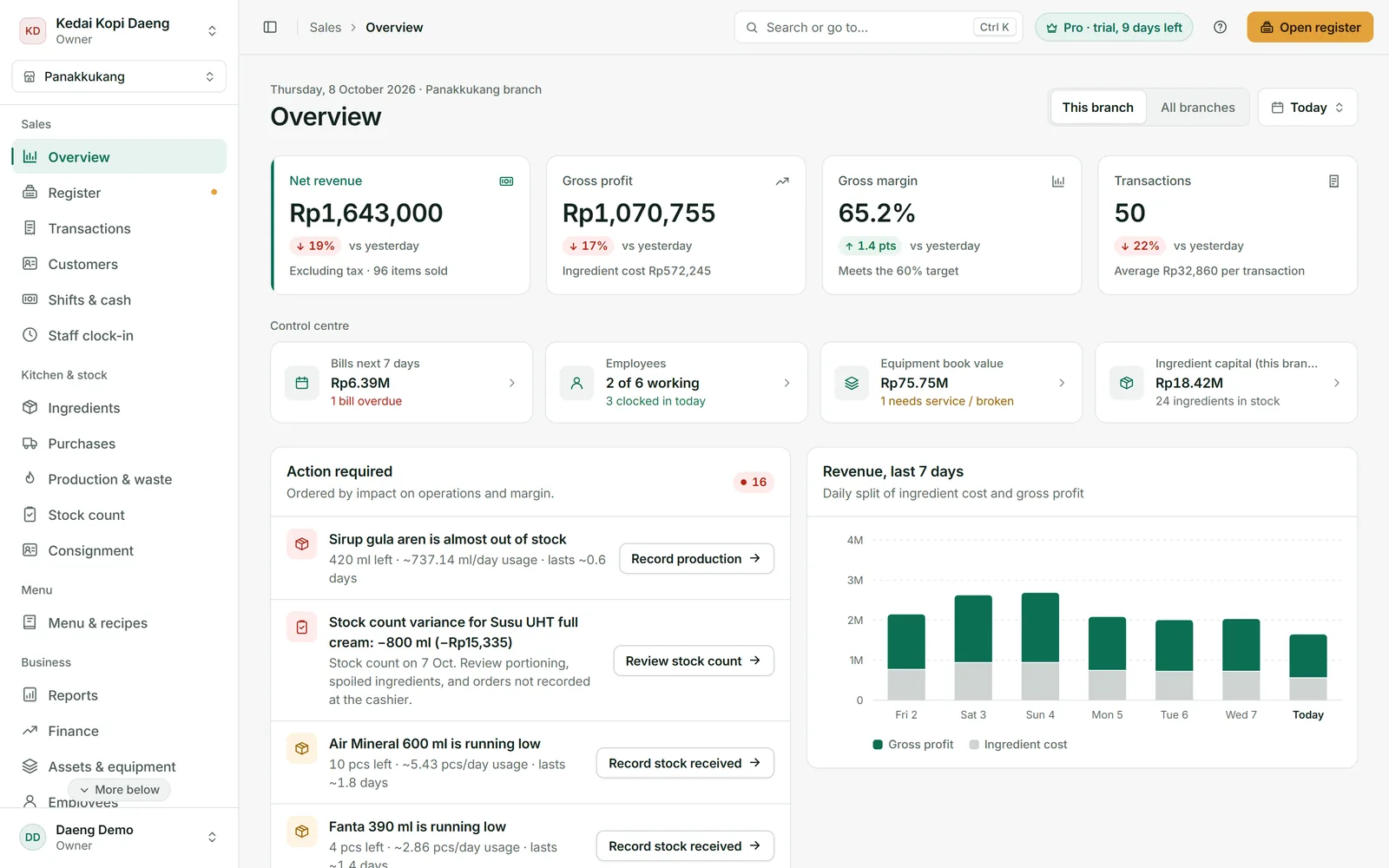
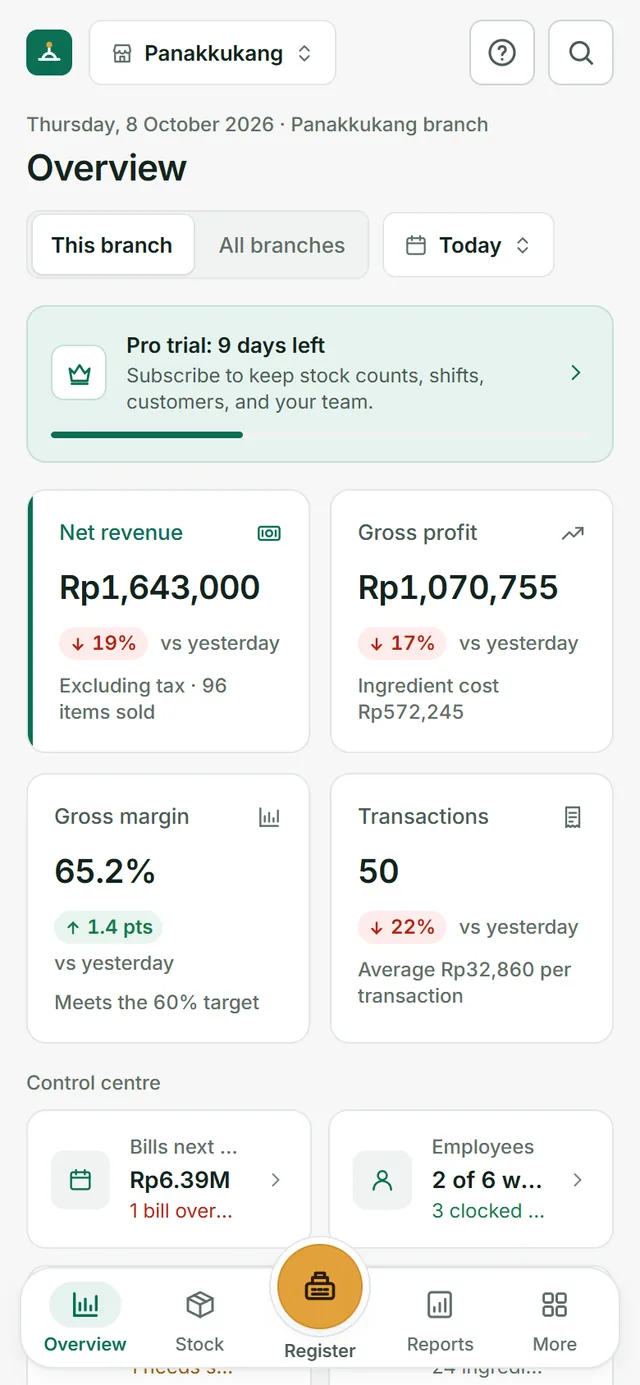
Swipe to see where the money goes.
The cashier says, “Maybe I gave the wrong change.” You nod. You are too tired to dig deeper. Tomorrow, the day after, next week, the same thing happens.
You bought two cartons on Monday, and iced latte sales were nothing special. So where did those 24 litres of milk go?
Not for the first time this year. Your iced latte is still Rp18,000, the same as last year. Your margin per cup gets thinner, and nobody tells you how thin.
Long queue, no time to measure. 180 ml of milk when the recipe says 150 ml. New staff, new portions. The taste changes, and so does your cost.
After rent, wages, and electricity, what is left is far from what you expected. Your family asks, “The place is always busy, so why is that all?” You do not have an answer.
It drips: 20 ml of milk here, one cup there, every day, without a sound. And the cash book never records it.
See where it leaks ↓Your cash book and drawer only record money coming in. Neither knows how many ingredients went out. Swipe to see example numbers.
The barista pours 180 ml of milk when the recipe says 150 ml. New staff, new portions.
You stock up for busy days, then rain or the days before payday keep customers away. Spoiled milk and bread go in the bin, unrecorded.
Drinks for friends and family, or orders nobody keys in during a long queue.
Three people handle the same drawer in one day. When money is missing, there is nobody to ask.
Sugar, milk, eggs, and chili go up little by little. Your menu prices stay the same.
A cash advance is forgotten on payday, arrival times go unrecorded. The notebook gets lost, and the money with it.
every month, never visible in the drawer.
Example for a coffee shop selling about 1,000 cups a month. Your numbers may be smaller or larger.
Calculate yours ↓Slide to match your business. Most owners never know this number, simply because nobody calculates it.
That is 600 iced lattes at Rp18,000 that you made, then gave away for free.
A simple simulation: revenue × estimated leakage. Not an exact result. The real number appears once your stock is recorded.
Takar works on one simple idea: every menu item has a recipe. The moment an item is sold, its ingredients are recorded as used. No more counting stock in a notebook every night.
Palm Sugar Iced Latte = 18 g coffee + 150 ml milk + 20 ml palm sugar syrup + 1 cup. Takar instantly calculates the ingredient cost (COGS) and profit per cup.
The cashier rings up orders. Every sale deducts ingredient stock automatically, down to the gram and millilitre.
At stock count, you count what is in the kitchen and storeroom. Takar compares it with the records and shows the gap in rupiah.
Pick your type of business when you sign up. Ingredients, menu items, recipes, variants, equipment, and even recurring bills are filled in with estimated market prices. Just adjust them to your shop.
Your business is not on the list? No problem. Takar works for every kind of F&B business: cafés, restaurants, small eateries, bakeries, caterers, and drink stalls. Just create your own menu and recipes.
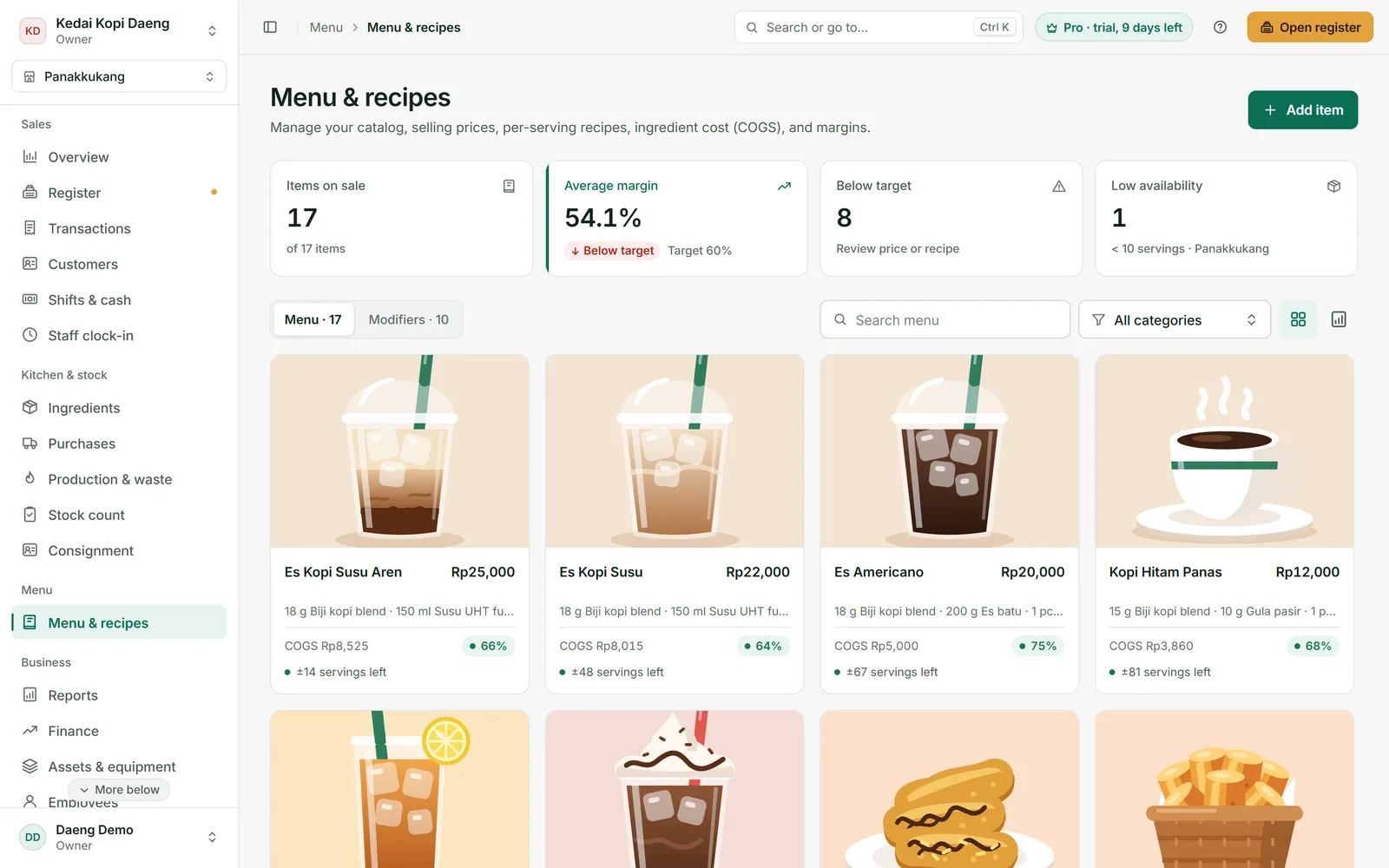
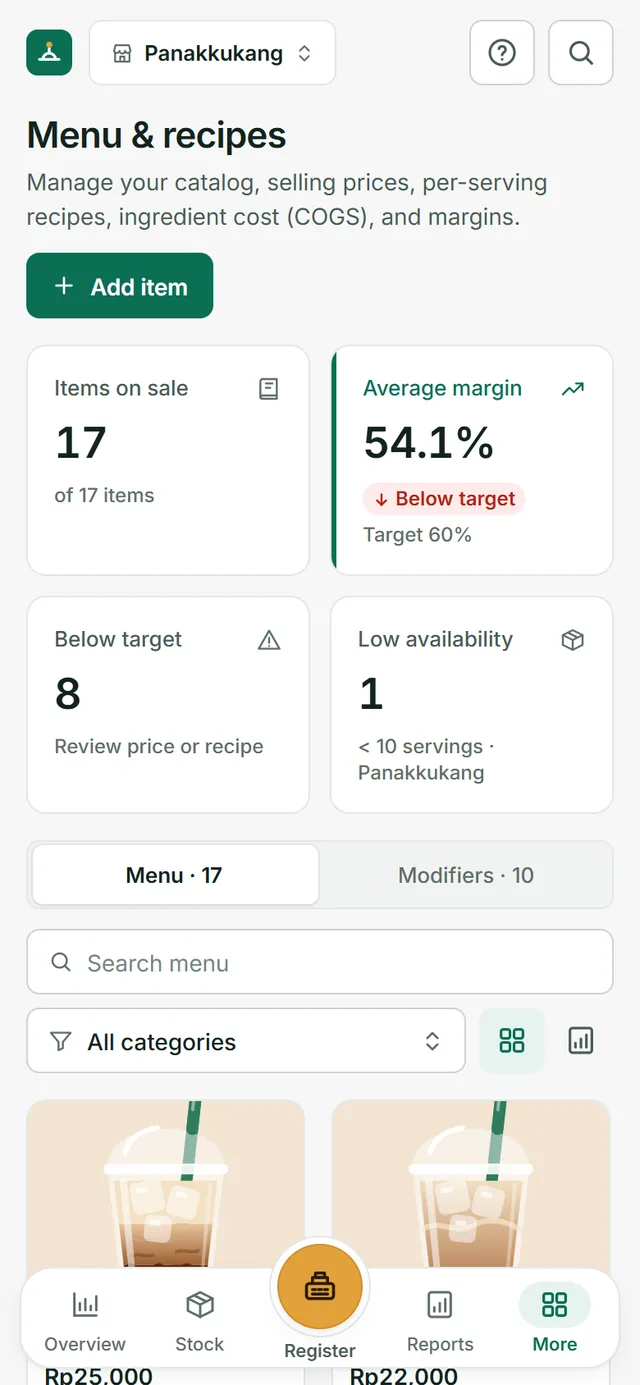
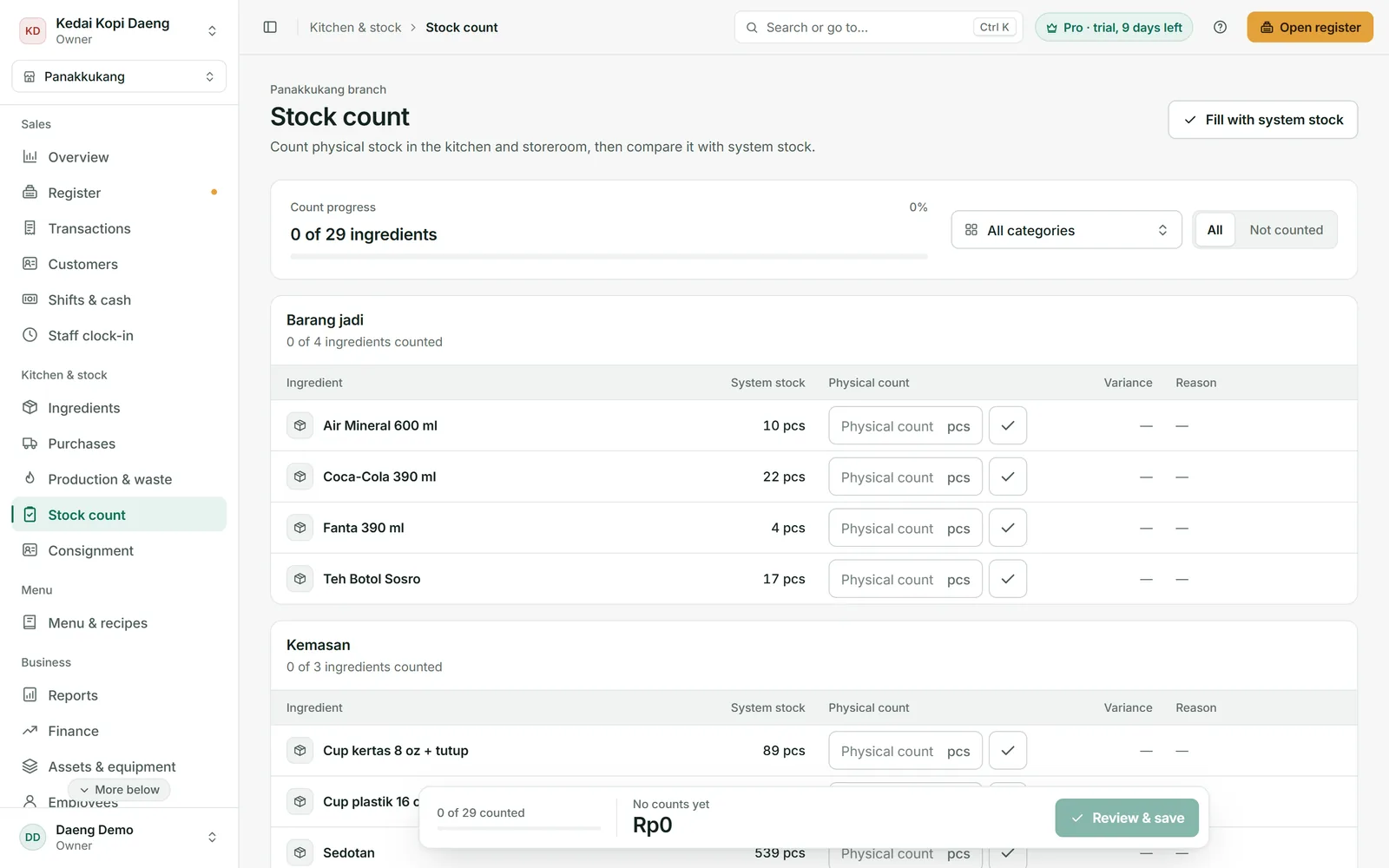
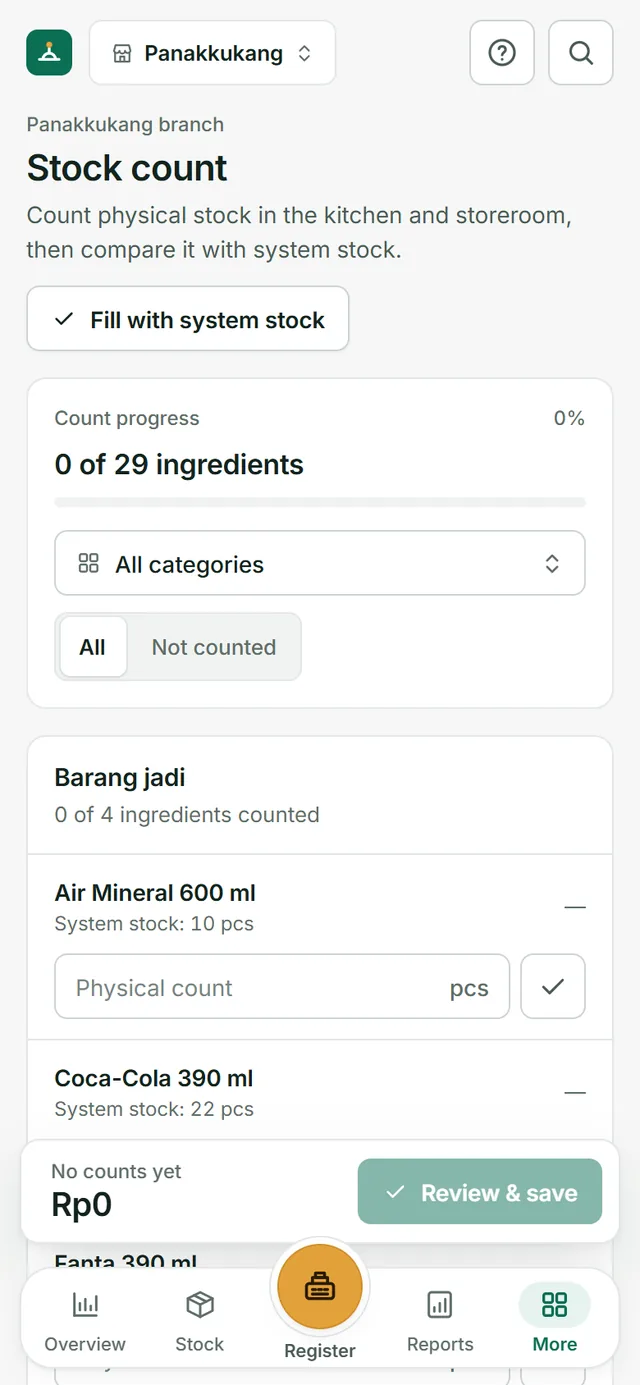
Orders go in with a few taps, even during a long queue. Every shift opens with a cash float and closes with a count. If money is missing, you know whose shift it was.
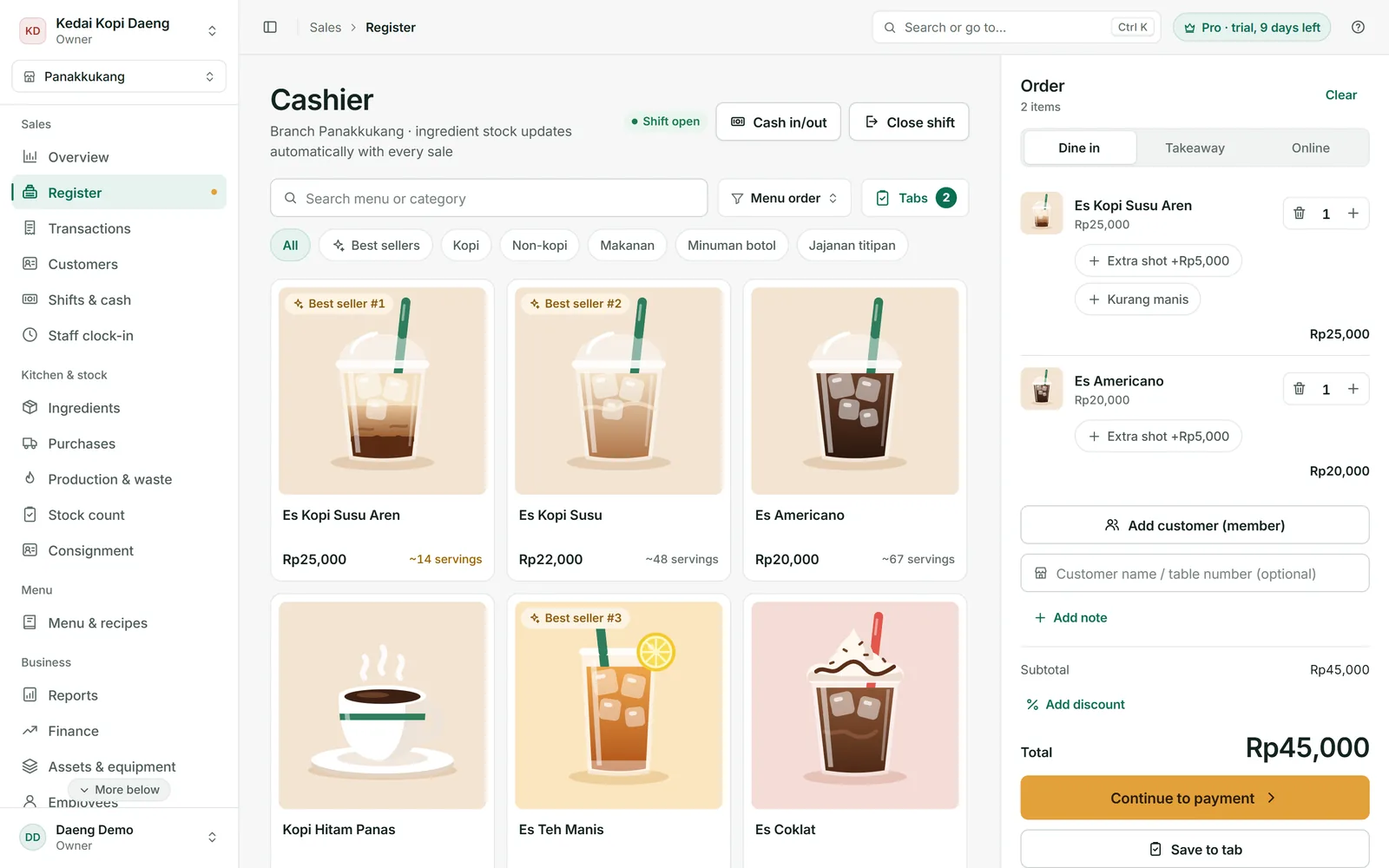
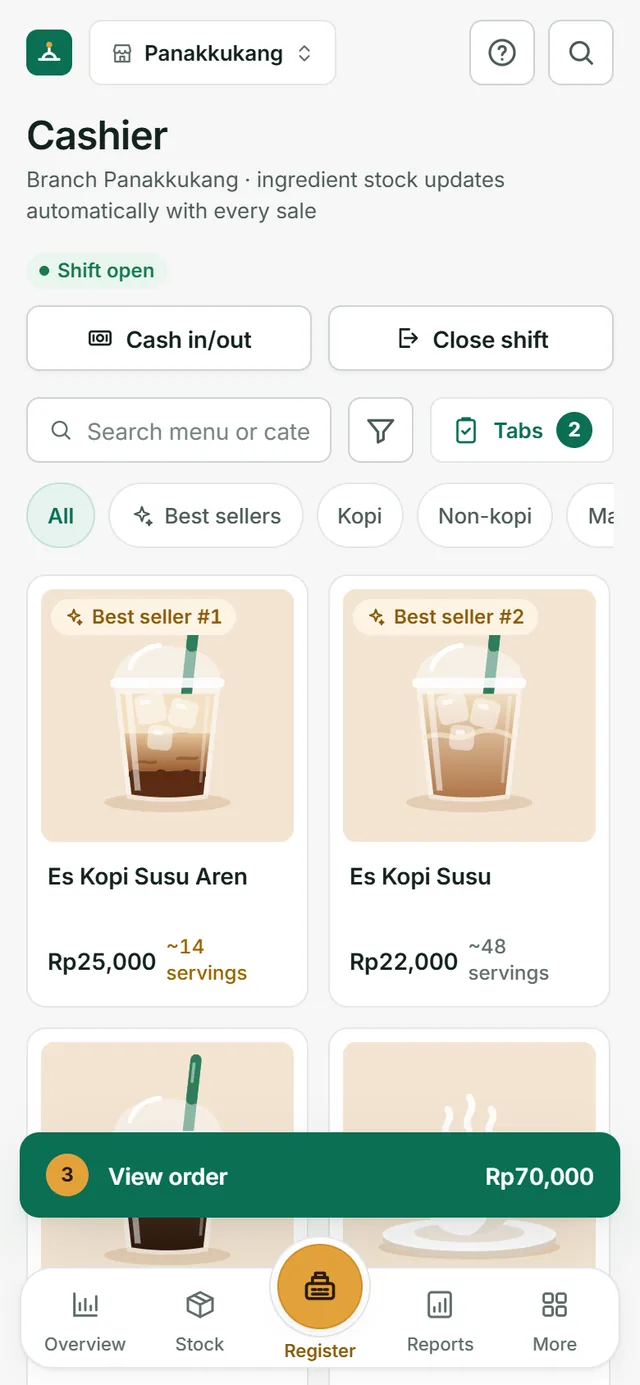
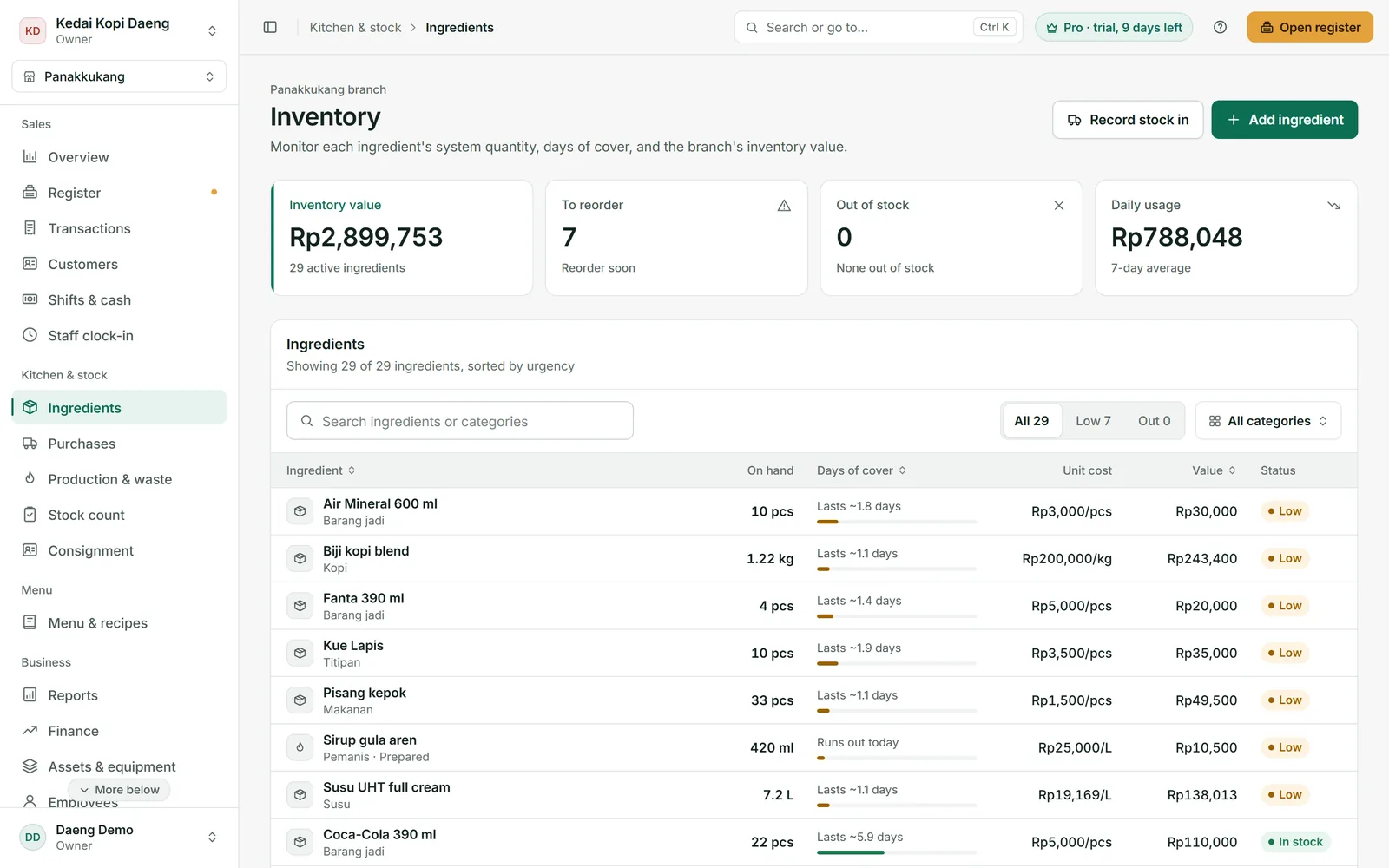
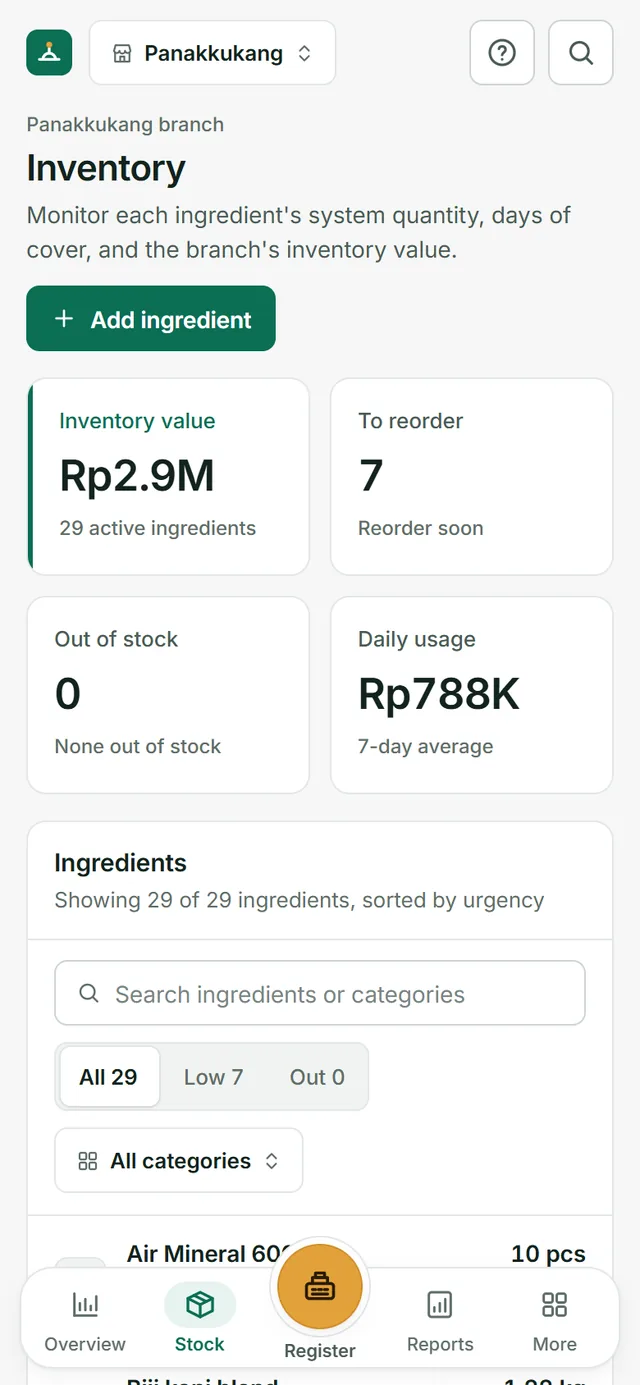
Takar reads your daily usage and estimates how many days each ingredient will last. You restock from the market or supplier on time: no running out at peak hours, no piling up until it spoils.
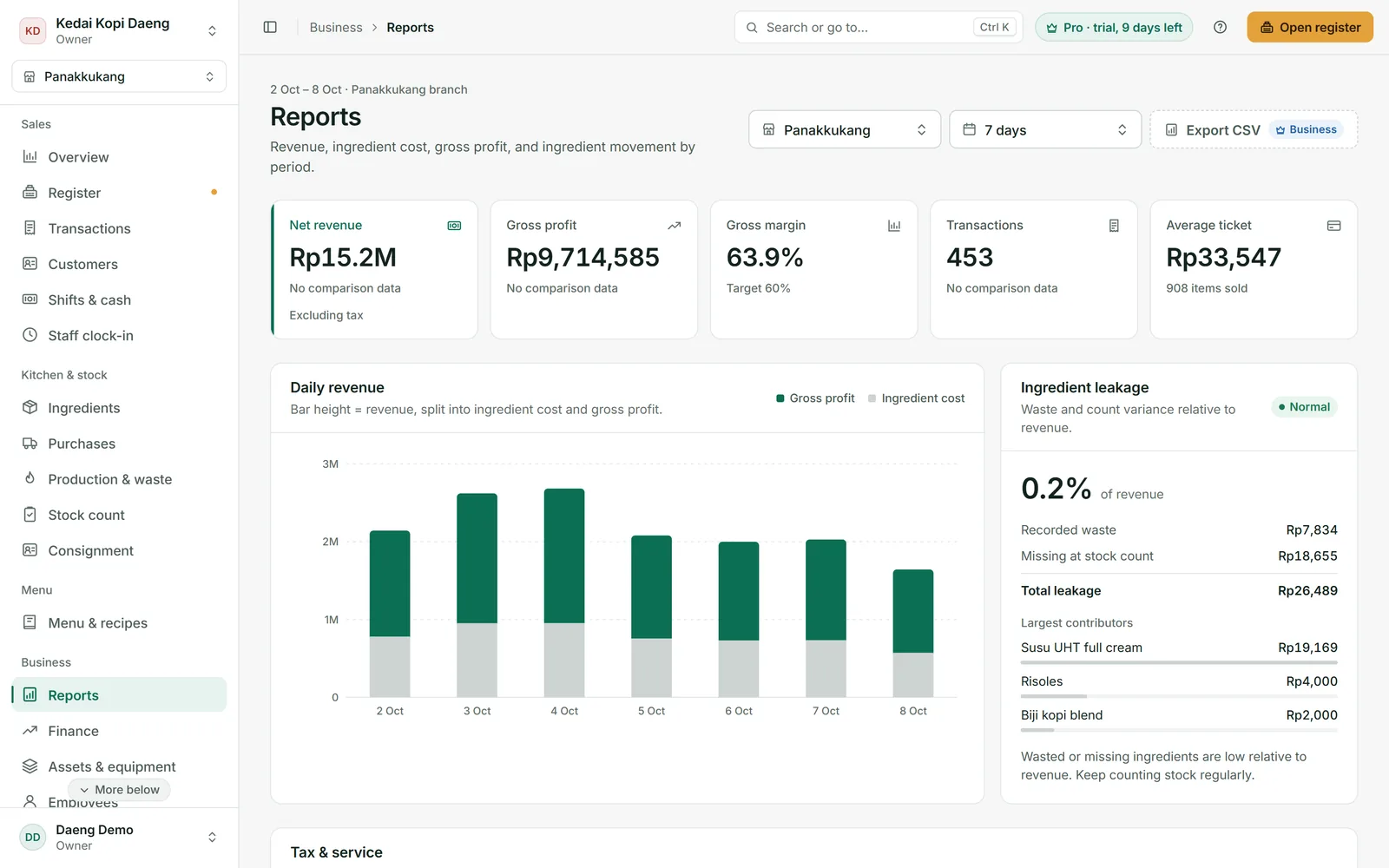
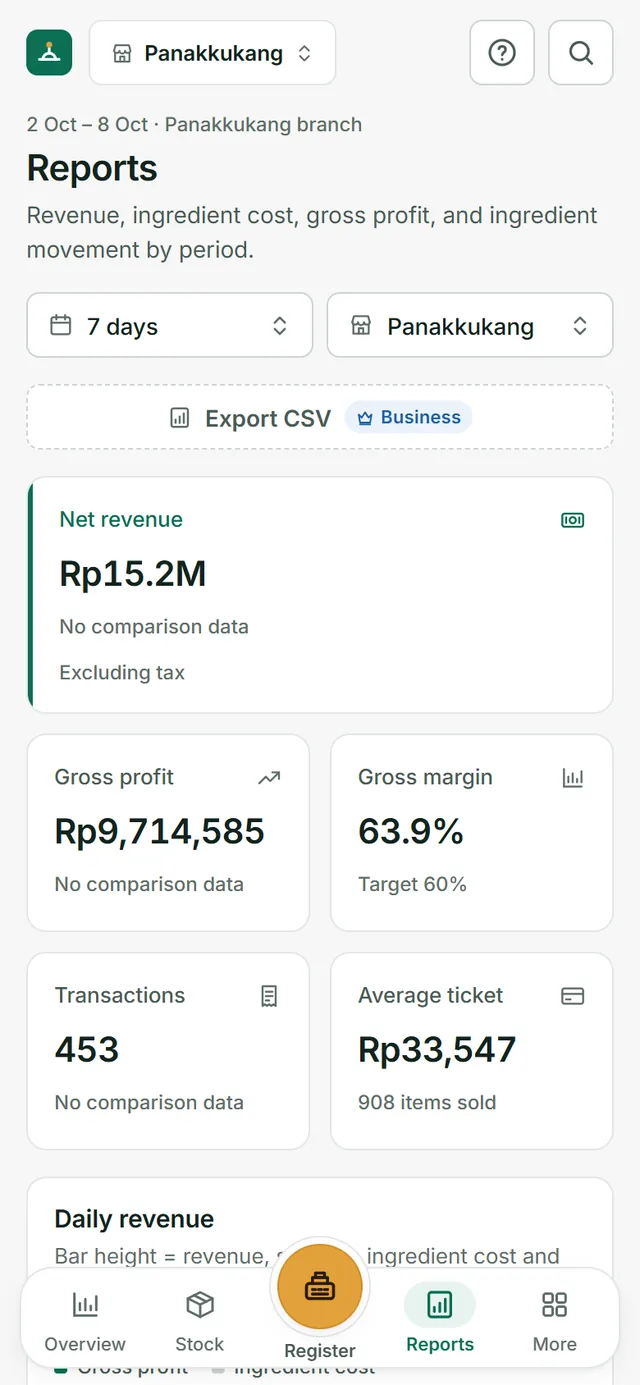
Reports separate revenue, ingredient cost, and gross profit every day. Waste and stock count gaps are added up, along with the ingredients that leak the most.
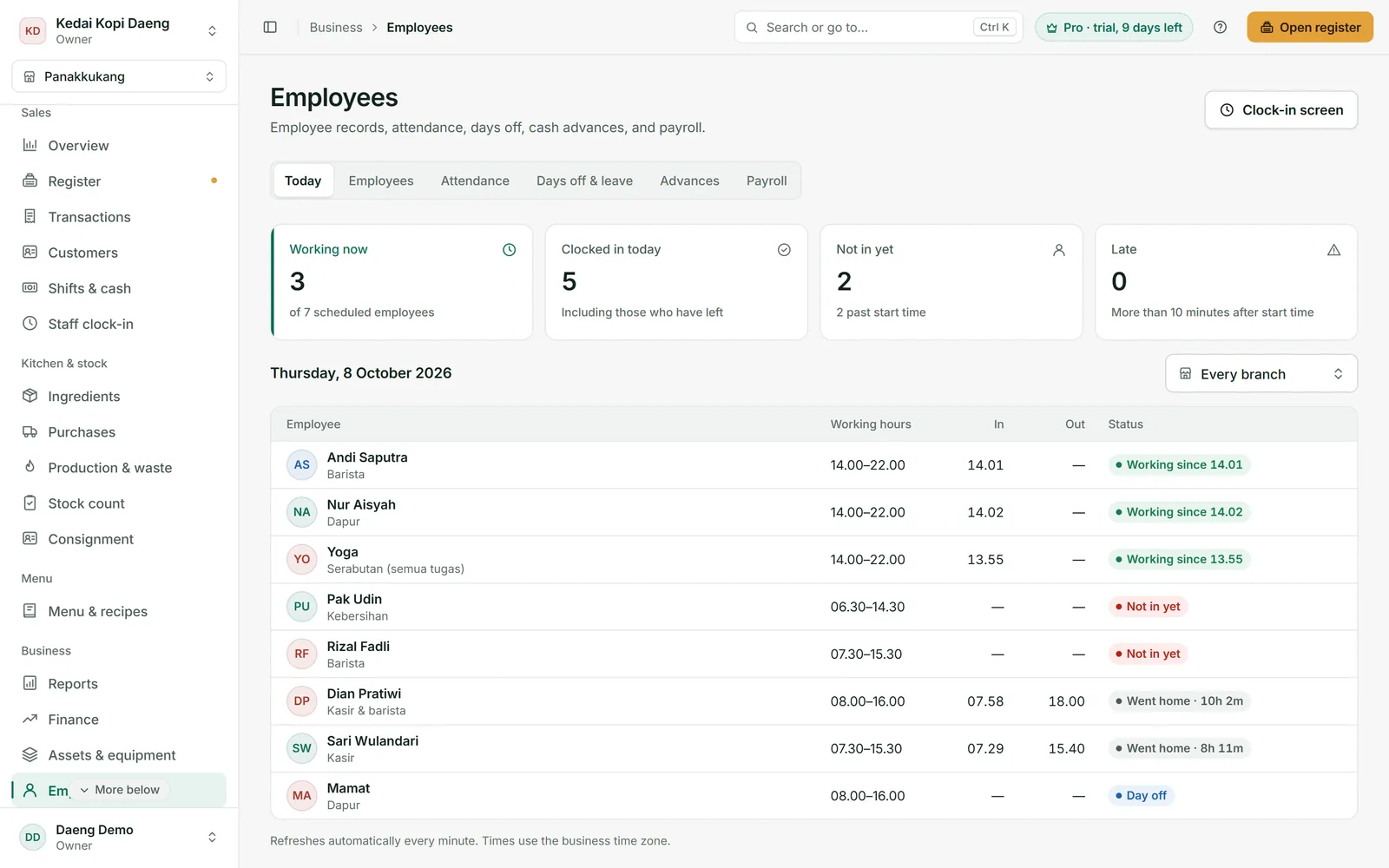
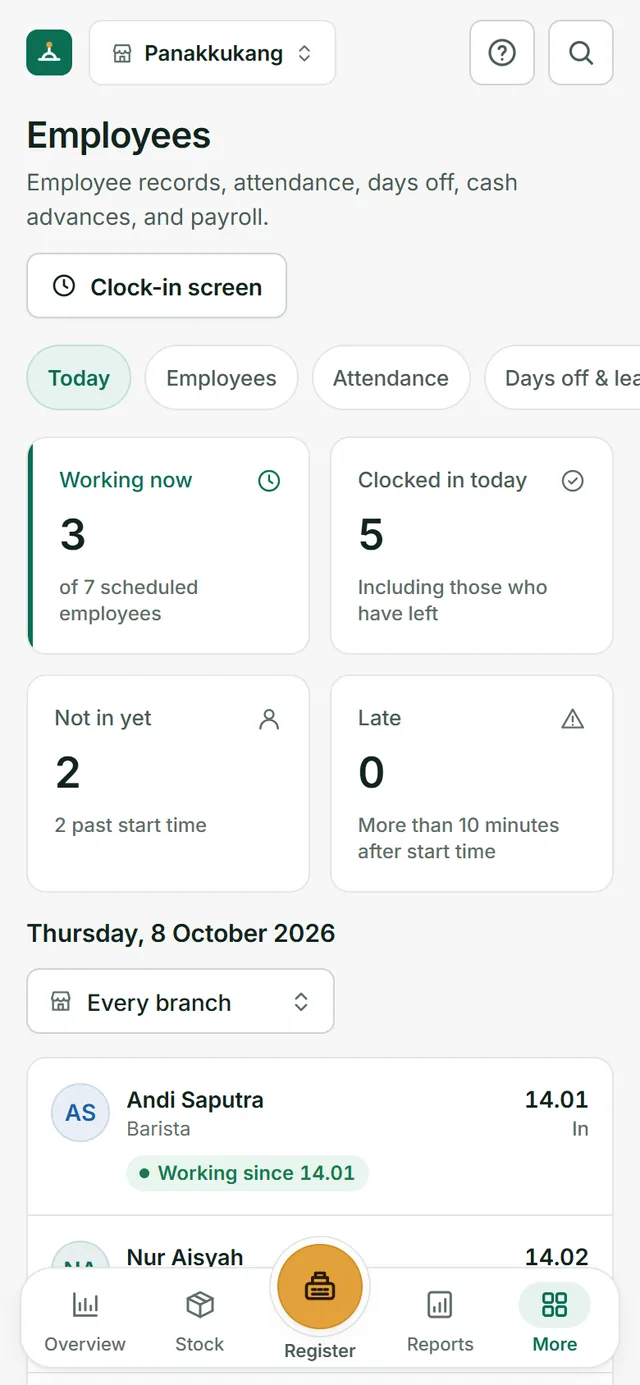
Staff clock in with a PIN on the cashier device. Cash advances are recorded and deducted automatically on payday. Even from home, you know who has arrived and who is late.
No Wi-Fi at your stall, or a signal that keeps dropping? Takar still opens and keeps selling. Sales are stored on the device and sent automatically once you are back online.
Upload the report from the merchant app (Excel or CSV). Stock is deducted by recipe, commission is recorded, and you see the net profit of each channel, the menus losing money on delivery, and suggested online prices.
Roles for owner, manager, cashier, and stock staff. Cashiers only see what they need. Costs, COGS, and recipes stay yours.
Revenue, stock, and attendance at every branch, right on your phone. Finally, a day off without worrying.
Rent, electricity, internet, daily expenses, and equipment depreciation all count. Business spending is recorded neatly, apart from personal money.
Cakes and snacks from consignors tracked per supplier: sold, returned, and what you owe them. No manual math.
Pro and Business plans back up your data daily, weekly, and monthly. The owner can restore it any time.
Phone, tablet, or laptop. Choose from 5 light and dark themes, in English or Bahasa Indonesia.
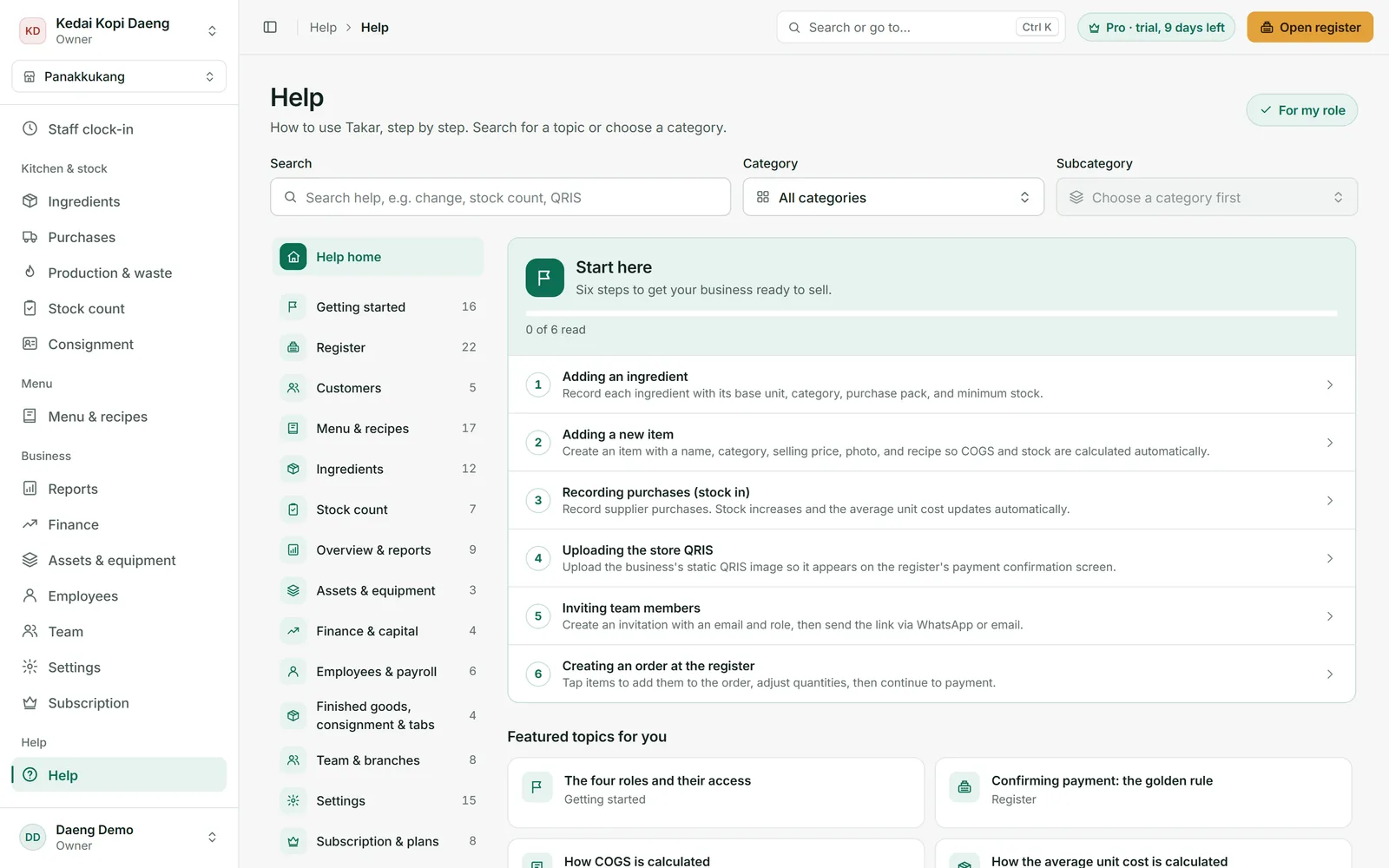
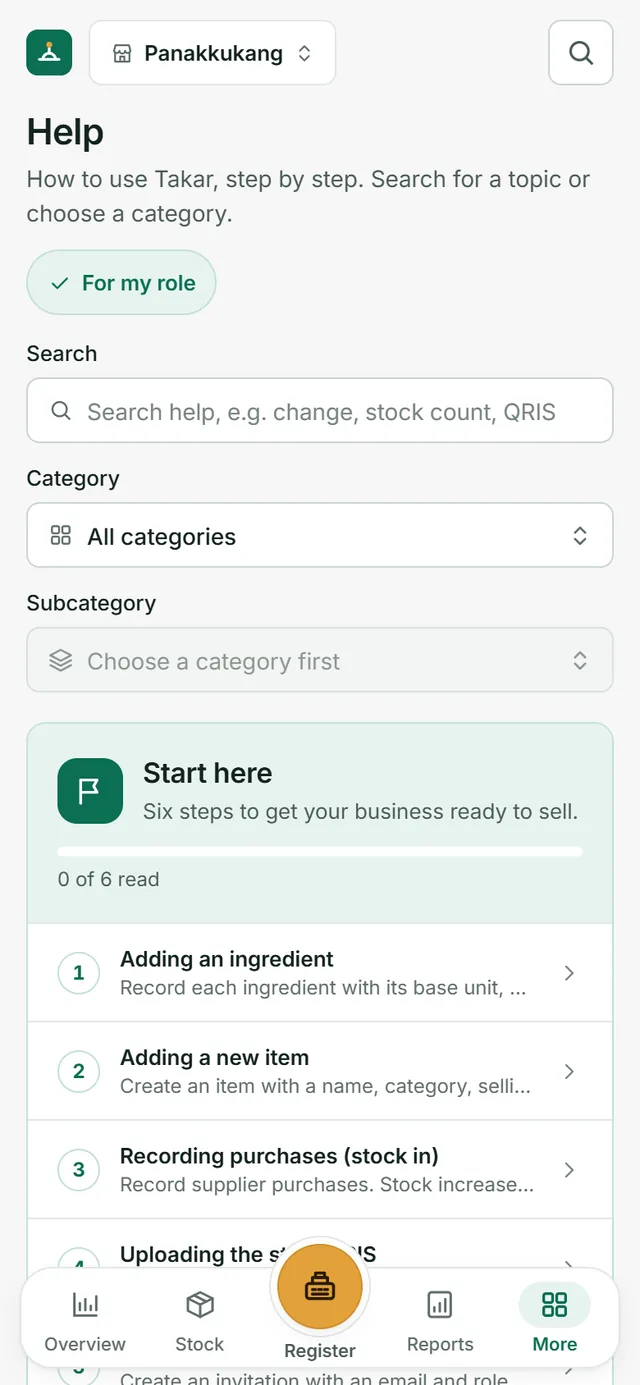
Takar comes with a built-in Help guide in plain language that takes you step by step, from creating your account to reading your profit report. No course needed, no waiting for a technician.
Most cashier apps record the money coming in. Takar is built to guard what goes out.
Ingredients tracked to the gram and millilitre, with COGS and leakage shown in rupiah.
Start free. Pro is Rp79,000 a month (billed yearly), with no setup fee.
No sales meeting and no special hardware. Use the phone, tablet, or laptop you already have.
From jumbo iced tea to coto and jalangkote. Built in Makassar, supported on WhatsApp.
A general picture. Features and prices differ between apps; compare for yourself with the demo and the 14-day free trial.
Start free. Move to Pro when your shop needs stock counts, shifts, and a team. Every new business gets a 14-day Pro trial.
Rp0forever
For trying it out & businesses just starting.
Rp79,000/month
Billed Rp948,000 per year.
Rp279,000/month
Billed Rp3,348,000 per year.
Introductory prices, subject to change at official launch. Prices are in Indonesian rupiah. Subscriptions are paid only by bank transfer to an account in the name of PT Pinisi Teknologi Nusantara.
No contract and no credit card. After the 14-day Pro trial, you can keep using the Free plan. Your business data stays yours.
Yes. Open the Takar demo to try the cashier, stock, and reports with sample data, no account needed. Changes in the demo are not saved.
A phone, tablet, or laptop with a browser. Takar runs right in the browser, with nothing to install. A thermal receipt printer (58 or 80 mm) is optional, since receipts can also be sent via WhatsApp.
Yes. Cashiers just tap a menu picture, choose a variant, and take payment. The owner sets up recipes and stock. Every screen has a “?” button that opens a step-by-step guide. For early users, we also help with the initial setup over WhatsApp.
Cafés, coffee shops, restaurants, small eateries, bakeries, and drink stalls. There are ready templates for coffee, iced tea, juice, martabak, seblak, ayam geprek, grilled chicken, bakso, coto, sop saudara, nasi kuning, fried rice, mie titi, satay, jalangkote, pisang ijo, and pisang epe. As long as your menu is made from ingredients you can measure, Takar can track it.
Yes. Takar can be used in English or Bahasa Indonesia. Amounts are shown in Indonesian rupiah, since Takar is built for businesses in Indonesia.
No. When the internet drops, the POS keeps selling, opening and closing shifts, and recording open tabs. Everything is stored on the device and sent automatically once you are back online. Reports, multi-branch stock, and settings still need internet.
No. With your regular store QRIS, money goes straight to your QRIS provider and the cashier confirms the payment. With auto QRIS (Pro and Business plans), you connect your own business Xendit account: money goes into that account and then to your bank, and Takar only receives the notice that the payment is complete. QRIS transaction fees are charged by Xendit under your plan there.
Download the transaction report from the merchant app (GoBiz, GrabMerchant, or ShopeeFood Partner) as Excel or CSV, then import it into Takar. Orders are recorded as sales per channel, ingredients are deducted by recipe, and commission is counted as a cost, so your net profit is right. Importing the same file twice is safe; nothing is duplicated. Available on the Pro and Business plans.
You only do it once per item. Start with your 5 to 10 best sellers, because that is usually where the biggest leaks are. Add the rest gradually.
No. The cashier role is only for serving orders. Ingredient costs, COGS, recipes, and financial reports are visible only to the owner and the roles you allow.
Yes. The Pro plan supports 2 branches and the Business plan up to 10, with a view of all branches on one screen. Run more than one brand? The Business plan manages up to 5 businesses in one account.
By bank transfer to an account in the name of PT Pinisi Teknologi Nusantara. We will never ask you to transfer to a personal account. If in doubt, ask us on WhatsApp first.
Takar is open now. Sign up at takar.pinisilabs.com with your email and WhatsApp number, confirm through the link in your email, then pick your business template. Your 14-day Pro trial starts right away.
Takar comes to the web first and works in your phone’s browser. An Android app will follow.
Tonight, the shutter comes down again.
Takar is open today. Sign up free and try every Pro feature for 14 days. Need help entering your first menu items and recipes? We will help on WhatsApp.